
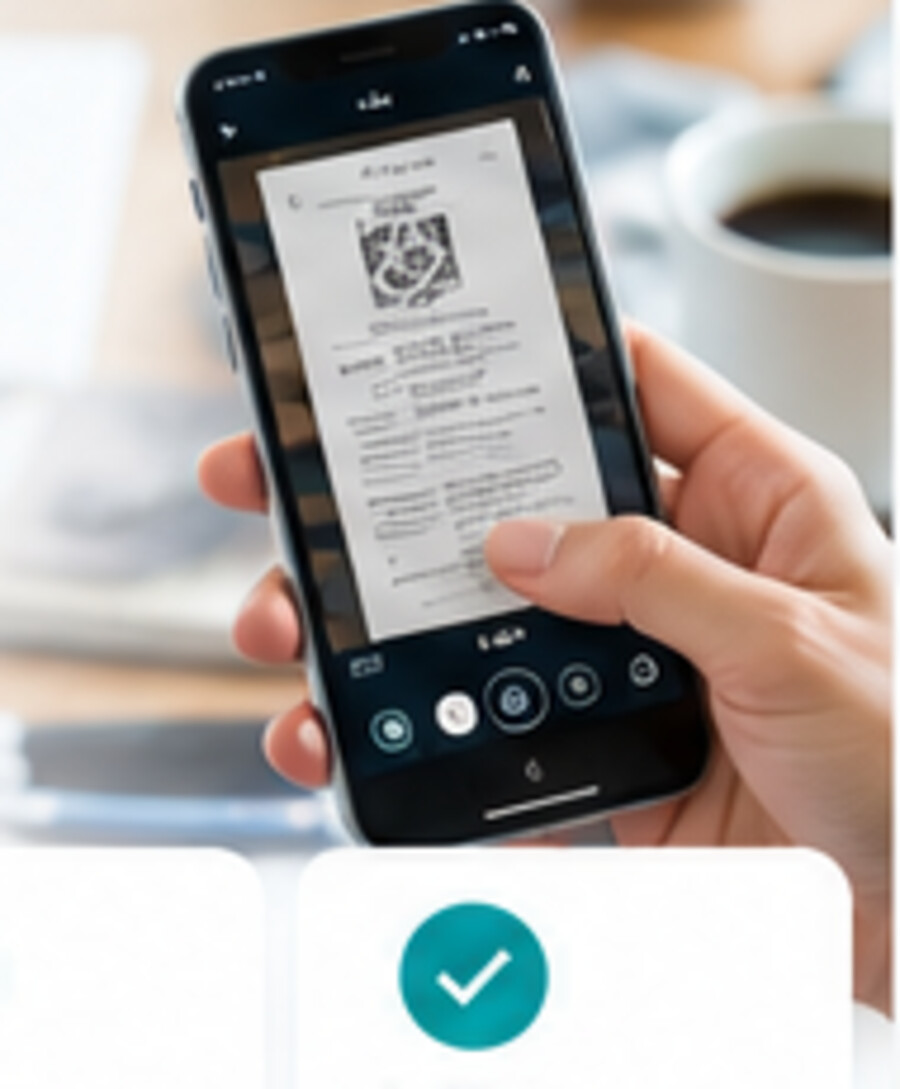
From life to your vault
Capture it while it is in front of you.
Photograph or select a record, review it, then add it to your EnsureLoc records.
If your camera did not open automatically, tap below.
You can save to your own vault or to an account holder who granted you Upload permission.
Step 1 of 3
What are you adding?
Choose the type of record.
Step 2 of 3
Add your record
Scan a document or choose a file.
No file selected yet
Scan Document uses a simple Capture → Review → Finish flow. Scan multiple pages in one session, review or crop only when needed, then combine everything into one PDF. Files up to 25 MB. Only you can see what you add to your own vault.
Step 3 of 3
Add a title or notes
Optional. It helps you find this later.
- Record type
- —
- File
- —
- Filed under
Useful for policies, registrations, warranties, licenses, contracts, and memberships.
Dashes, spaces, slashes, periods, and number signs are allowed.